statsys
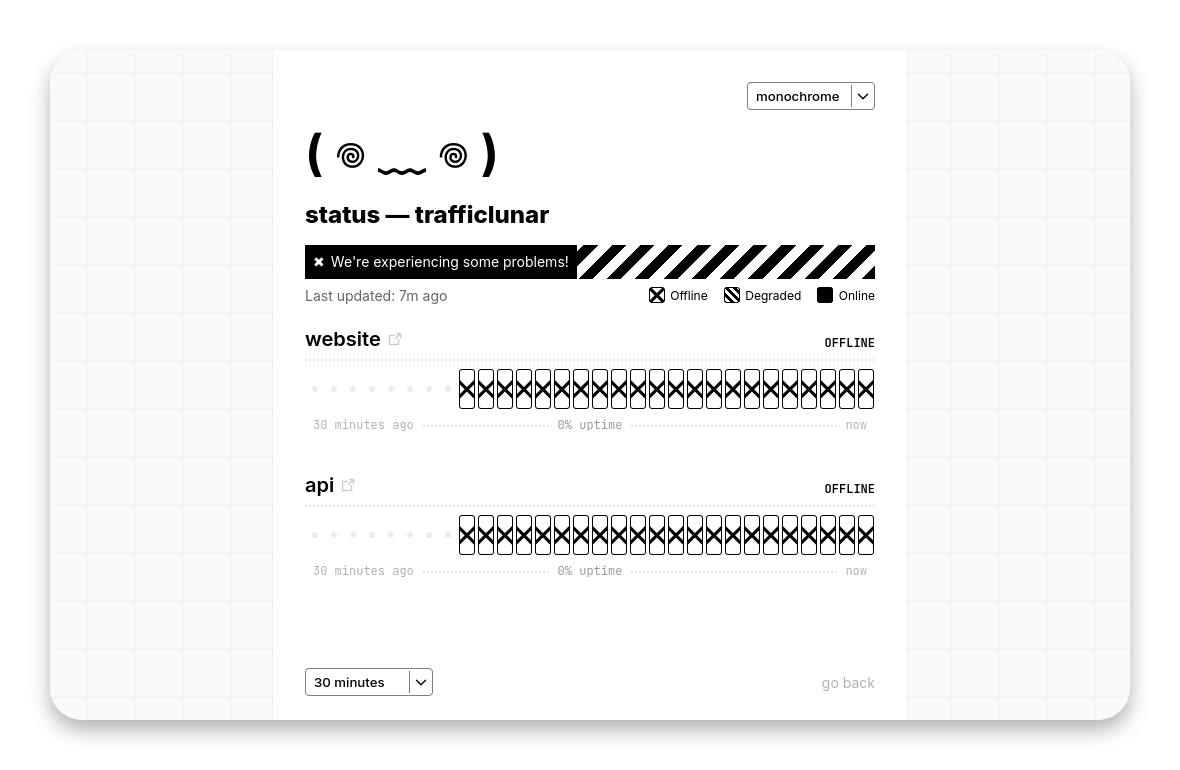
the cutest lightweight status page
## install
docker compose (recommended)
Create a `docker-compose.yaml` file:
```yaml
services:
statsys:
container_name: statsys
image: trafficlunar/statsys
restart: unless-stopped
volumes:
- ./data/:/app/data/
ports:
- 8888:8888
```
Create a new directory called `data` and download the `config.toml` example and edit it:
```bash
mkdir data && cd data
wget https://raw.githubusercontent.com/trafficlunar/statsys/refs/heads/main/config.toml
```
When ready, run:
```bash
docker compose up -d
```
Navigate to `localhost:8888` to view your status page!
docker quick run
Create a new directory called `data` and download the `config.toml` example and edit it:
```bash
mkdir data && cd data
wget https://raw.githubusercontent.com/trafficlunar/statsys/refs/heads/main/config.toml
```
Launch the container:
```bash
docker run -d \
--name statsys \
--restart unless-stopped \
-v "$(pwd)/data:/app/data" \
-p 8888:8888 \
trafficlunar/statsys
```
Navigate to `localhost:8888` to view your status page!
manual
TODO